
Command Center
Command Center in Open Grind is a central place for app navigation and quick actions. To open it, locate and tap the  button, at the end of filters top bar on the main "Browse" page. You can also use
 ⌘ + K on macOS and Ctrl + K on Windows and Linux to open it.
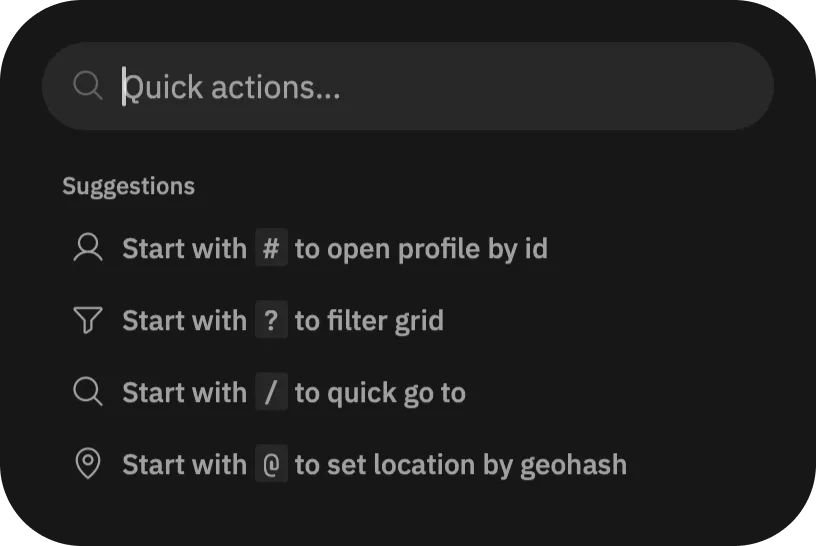
Learn about commands:
- Start with
#to open profile by id - Start with
?to quickly filter the grid - Start with
/to quickly go to a page - Start with
@to teleport to a location