Quickly navigate around Open Grind app
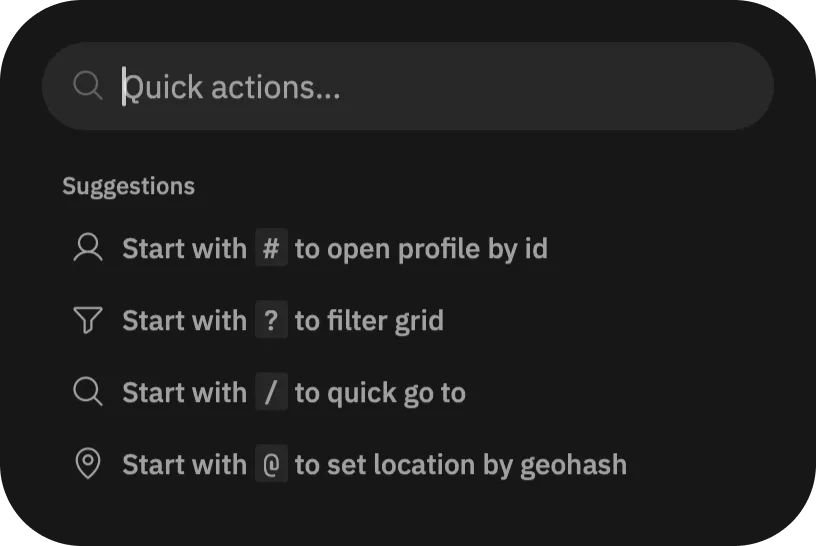
To quickly open a page in Open Grind app, use the Command Center.
Locate the  button, at the end of filters top bar on the main "Browse" page. Tap it, which opens the Command Center. You can also use
 ⌘ + K on macOS and Ctrl + K on Windows and Linux to open it.
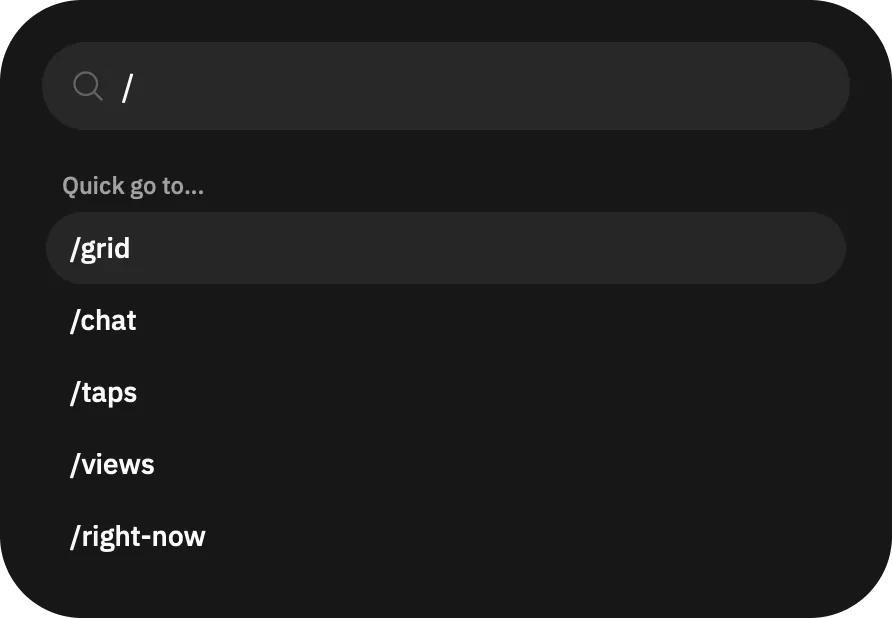
Now in the Command Center, put / to see available pages, continue typing to filter results. Scroll and tap on the page to navigate. You can also move selection of the item using ↑ and ↓ keys, then navigate to the selected page using ↵ key.