Save & quickly warp in Grindr
To save and then quickly teleport yourself in Grindr, use the Command Center.
First, copy the geohash location. Geohash is a string of characters like u3buwp3k26wx that works like coordinates and encodes precise location. In this guide we'll be copying the geohash from the location you have set in the app, but you can also use Geohash Explorer to encode coordinates to geohash.
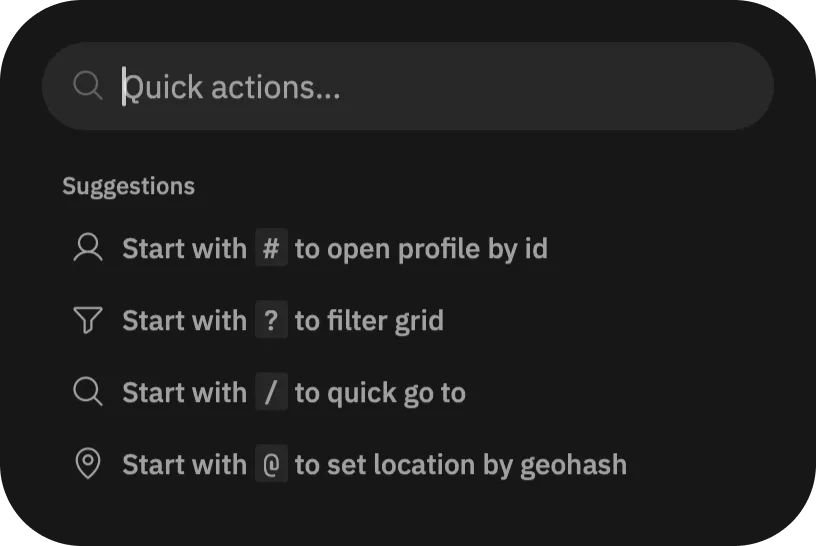
Locate the  button, at the end of filters top bar on the main "Browse" page. Tap it, which opens the Command Center. You can also use
 ⌘ + K on macOS and Ctrl + K on Windows and Linux to open it.
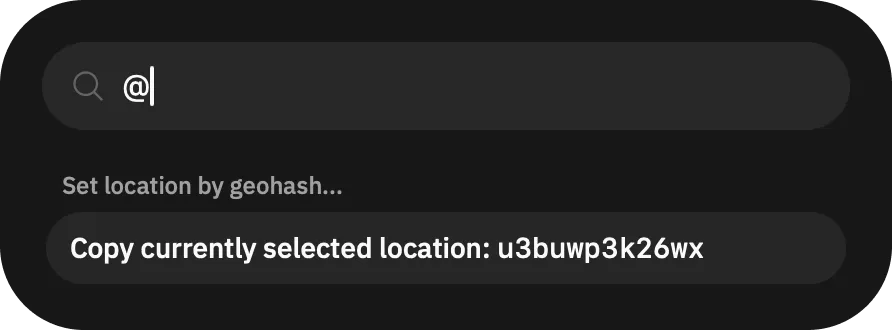
Now in the Command Center, put @, which should prompt you to copy the currently selected location.
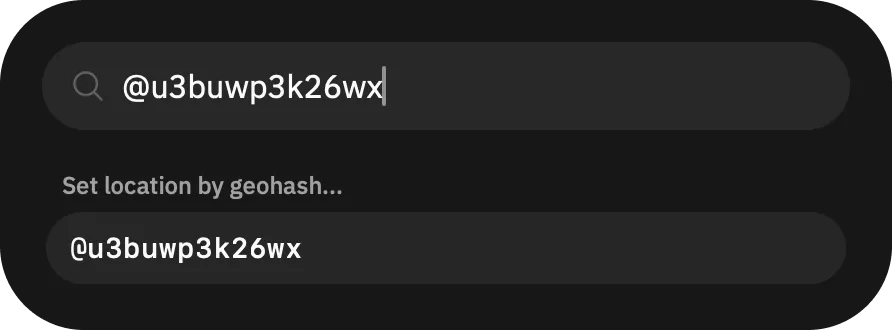
Now you have the location copied, write it down somewhere, like in a note-taking app. When you want to quickly set the location to this point, open the Command Center again, put @ and then the geohash, e.g. @u3buwp3k26wx.