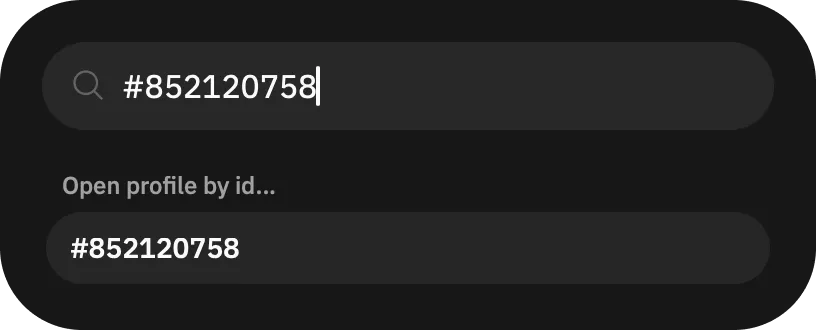
Open Grindr profile directly by ID
To open a profile by ID in Grindr, use the Command Center.
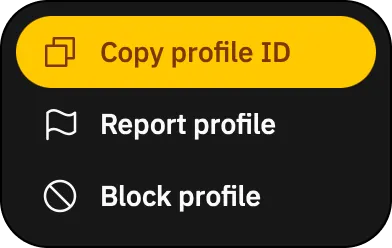
First, copy the ID. Use the  button on the profile page. In the menu, tap "Copy profile ID" and a large number will be copied to your clipboard, like this:
 852120758.
With profile ID learned, locate the  button, at the end of filters top bar on the main "Browse" page. Tap it, which opens the Command Center. You can also use
 ⌘ + K on macOS and Ctrl + K on Windows and Linux to open it.
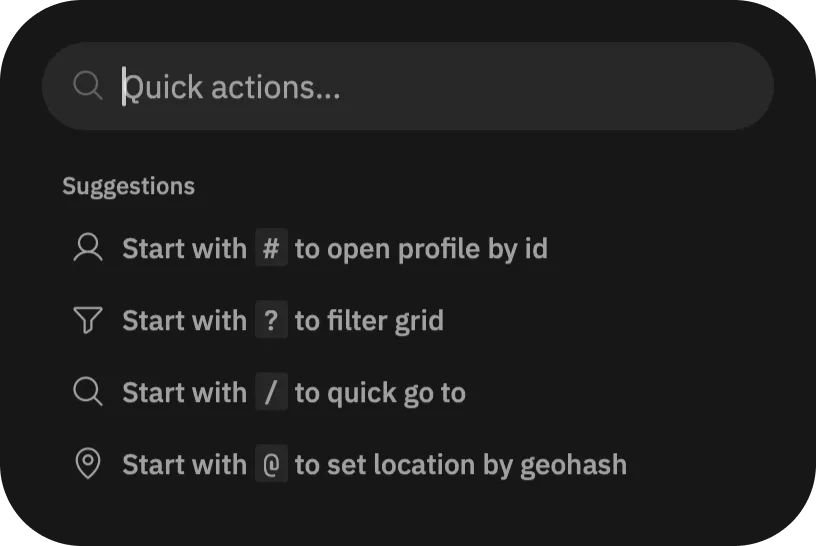
Finally, in the Command Center, put # and the profile ID after that, e.g. #852120758.